At a glance
- Incident proof and insurance: Dash cams provide crucial accident evidence and support faster, fairer insurance claims.
- Fleet and tracking: Vehicle tracking, driver behavior monitoring, and journey logs improve fleet safety and efficiency.
- Parking and remote: Parking mode, remote monitoring, and remote access help prevent theft and vandalism 24/7.
- Channels and connectivity: Single-, dual-, and three-channel options plus GPS, Wi-Fi, and Bluetooth support different use cases.
- Extra capabilities: Night vision, heat and cold resistance, and solid data management round out real-world reliability.
7 Popular Dash Camera Use Cases: Unlocking the Full Potential
Studies have shown that using dash cams in fleet vehicles can reduce accident-related costs by up to 60% (Source: Fleet Safety Report 2023).
This means dash cams provide crucial evidence in determining fault, making insurance claims easier, and promoting safer driving habits.
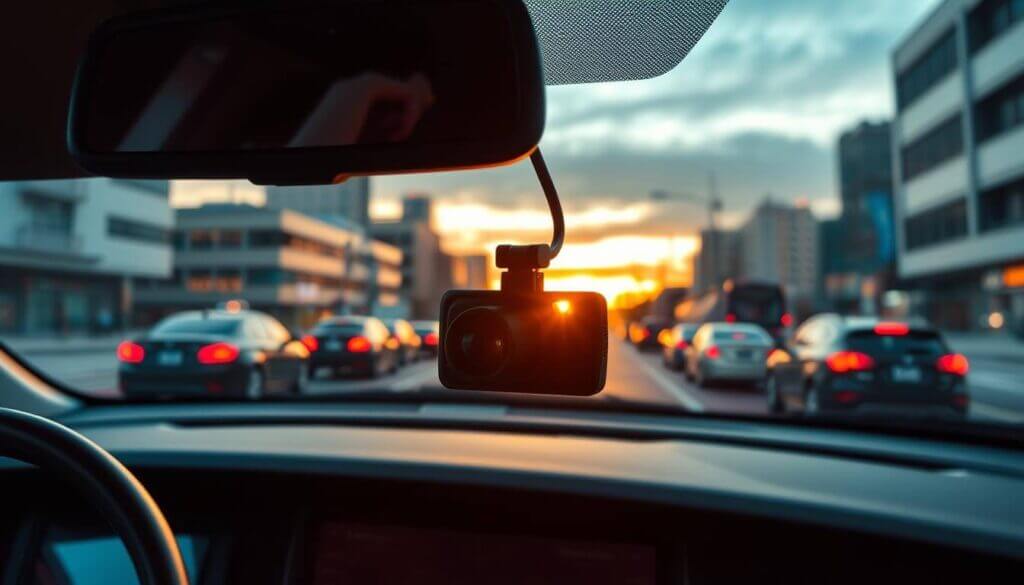
These compact gadgets, mounted on your car’s windshield, continuously record your drives, providing valuable evidence in case of incidents. This guide about dash camera use cases highlights the key use cases for dash cameras and the practical benefits they offer to different types of drivers.
Key Takeaways
- Dash cameras provide crucial incident proof for accidents, theft, and vandalism.
- Different channel options offer tailored coverage for specific use cases.
- Dash cams with features like parking mode, remote monitoring, and remote access provide comprehensive vehicle security for multiple use cases, from personal cars to fleet vehicles.
- Proper connectivity and data management enhance the usability of dash cameras.
- Advanced features like night vision and heat resistance make dash cams reliable in diverse environments.
Commercial and Civilian Telemetry Deployments
| Use Case | Description |
|---|---|
| Incident Proof and Insurance Claims | Provide crucial evidence during accidents, helping drivers prove innocence and support claims. |
| Vehicle Tracking and Fleet Management | Help fleet owners track vehicle locations, monitor driver behavior, and improve efficiency. |
| Remote Monitoring and Parking Security | Offer 24/7 monitoring, preventing theft and vandalism when vehicles are parked. |
| Accident Prevention and Driver Behavior | Promote safe driving through features like collision alerts and behavior monitoring. |
| Data Management and Storage Solutions | Ensure secure footage storage with memory cards, cloud backup, and data encryption. |
| Journey Logs for Personal or Business | Help document trips, providing mileage claims, route optimization, and travel records. |
| Vlogging and Content Creation | Capture high-quality road footage, perfect for content creators and travel vloggers. |
1. Incident Proof and Insurance Claims
One of the primary use cases of a dash camera is to provide incident proof.
For instance, a driver in California was able to avoid wrongful liability in an accident when their dash cam footage clearly showed another vehicle running a red light, proving their innocence.
A dash cam serves as an eyewitness during accidents, helping drivers prove their innocence and document the exact sequence of events. This is crucial for insurance claims and creating an insurance report. Many insurers now offer discounts or streamlined claims when drivers submit dash cam footage, reducing disputes and speeding up payouts.
The video footage recorded by the dash cam can be used as accident evidence to support your case with insurance companies or law enforcement. Timestamped, GPS-linked footage adds credibility and can clarify who was at fault in multi-vehicle or hit-and-run scenarios.
2. Vehicle Tracking System and Fleet Management
Dash cameras are also invaluable for fleet management companies managing multiple vehicles, making them an essential application for industries like logistics and transportation.
For example, the logistics and delivery industries benefit greatly from dash cams as they help keep shipments on track, monitor driver performance, and ensure on-time deliveries. Real-time location data and historical routes support route optimization and fuel efficiency.
A dash cam can help streamline operations in your business by improving efficiency, tracking shipments, and ensuring compliance. With integrated vehicle tracking system features, dash cams help monitor and manage fleets efficiently. This includes tracking vehicle location, monitoring driver behavior, and ensuring that routes are being followed. Some systems also integrate with dispatch and ELD (electronic logging device) platforms for a single view of fleet operations.
The travel log generated by dash cams can help optimize routes, enhance productivity, and ensure overall fleet safety. Reducing harsh braking, speeding, and idle time can lower maintenance costs and improve safety scores.
3. Remote Monitoring and Parking Security
Dash cams with remote monitoring and remote access capabilities offer enhanced security even when your vehicle is parked.
With just a few taps on your smartphone, you can have peace of mind knowing your car is being watched. Modern dash cams feature parking mode, which activates recording when motion or impact is detected, even when the vehicle is off. This round-the-clock monitoring helps prevent theft, vandalism, and hit-and-run incidents. Buffered parking mode can capture a few seconds before the trigger event, so you see what led up to the impact or motion.
For example, the BlackVue DR900X Plus features dual cameras and impact sensors, offering comprehensive protection. With the remote access feature, users can receive real-time alerts on their smartphones, adding an extra layer of security. Cloud-connected models can upload critical clips automatically so evidence is preserved even if the unit is damaged or removed.
4. Accident Prevention and Driver Behavior Monitoring
Dash cams are also used to encourage safer driving behavior. Features like collision alerts and lane departure warnings can help drivers avoid accidents.
Additionally, fleet managers can use dash cams to monitor driver behavior and ensure compliance with safety standards. Coaching programs backed by real footage help drivers understand and correct risky habits such as tailgating or distracted driving.
This not only helps in reducing accident risks but also promotes responsible driving habits. In-cab audio and video (where legally permitted) can support incident reviews and training, improving both safety culture and insurance standing.
5. Data Management and Storage Solutions
Proper data management is key for dash cam users, including aspects like data retention policies, managing storage capacity, and best practices for organizing and securing footage.
Dash cams store footage on memory card storage, such as SD or microSD cards, making it crucial to use reliable options to avoid data loss. High-endurance cards are recommended because dash cams write continuously and standard cards can fail under that workload.
Imagine recording vital footage only to lose it due to faulty storage—having dependable SD card storage can make all the difference.
Reliable SD card storage ensures that important incidents are recorded without issues. Loop recording overwrites oldest files when the card is full, so locking or backing up important clips promptly is essential.
Some dash cams also feature remote backup options with cloud storage for added safety, allowing users to access footage from anywhere. Wi-Fi or LTE uploads can protect evidence even if the device or card is later lost or damaged.
Data encryption and encryption protocol help protect the data stored on dash cams, ensuring that sensitive footage is secure from unauthorized access. This is especially important for fleet and rideshare use where driver or passenger privacy may apply.
6. Journey Logs for Personal or Business Use
Dash cams are useful for maintaining a journey log or travel log, which can be beneficial for both personal and business purposes.
For individuals, journey logs can help document road trips and travels. For businesses, they can be used for mileage claims, route optimization, and expense management. GPS-stamped footage supports accurate mileage reporting and can simplify tax or reimbursement documentation.
7. Vlogging and Content Creation
Dash cameras are also increasingly popular among vloggers and content creators.
For instance, popular YouTube vlogger Casey Neistat often uses dash cams to capture unique road footage, making his travel content more engaging and immersive.
Whether you’re documenting a road trip or creating content about car reviews and travel experiences, dash cams provide high-quality footage without the need for handheld cameras. They offer unique angles and continuous recording, making it easy to capture candid moments on the road. Many 4K and dual-channel models deliver broadcast-friendly resolution and front-and-rear perspectives for narrative or review formats.
Additionally, features like Wi-Fi connectivity and remote backup to cloud storage make it convenient to access and edit footage for vlogs. Quick offload to a phone or laptop speeds up editing workflows so creators can publish timely travel or driving content.
This use case is ideal for those who want to share their driving adventures or provide commentary on their travels.
Hardware Specifications Driving Application Utility
Channel Options: Tailored Coverage
Dash cams come in different configurations to suit various use cases:
- Single Channel: Records the front view, suitable for basic recording needs.
- Dual Channel: Records both front and rear, ideal for comprehensive accident documentation.
- Three Channel: Covers front, rear, and interior, providing maximum coverage and evidence collection.
| Channel Option | Camera Coverage | Best For |
|---|---|---|
| Single Channel | Front View | Basic recording needs |
| Dual Channel | Front and Rear | Comprehensive accident documentation |
| Three Channel | Front, Rear, and Interior | Maximum coverage and evidence collection |
Here’s another guide that details dash cam features you can learn about.
Connectivity: GPS, Wi-Fi, and Bluetooth
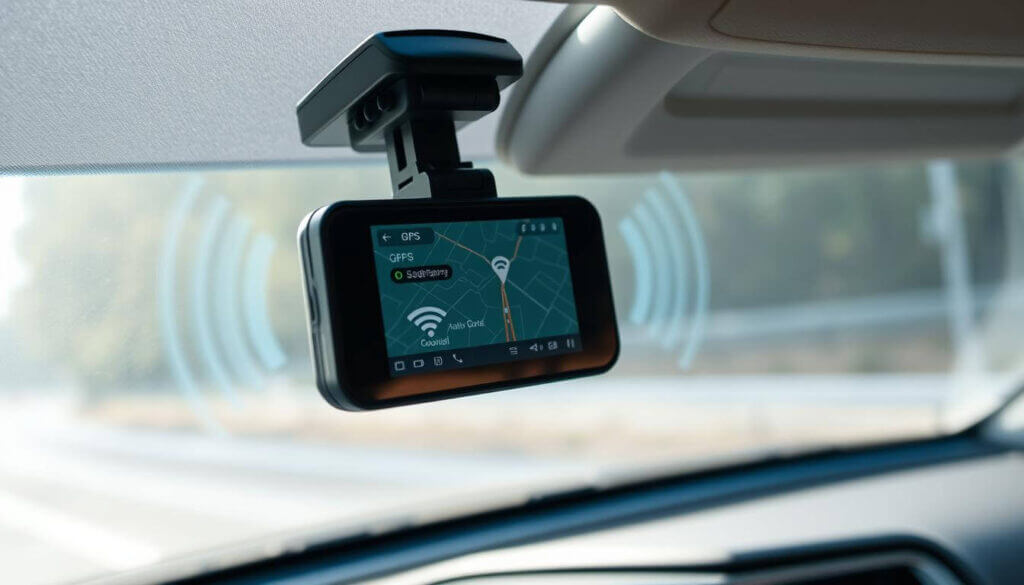
Dash cams with GPS, Wi-Fi, and Bluetooth connectivity greatly enhance functionality.
GPS logs the vehicle’s journey, speed, and location, which can be crucial in case of an accident. Wi-Fi connectivity and short-range connection via Bluetooth allow easy access to recorded footage and enable real-time viewing and updates. Bluetooth is often used for hands-free setup and app pairing, while Wi-Fi is used for faster video transfer and firmware updates.
For example, the Thinkware U3000 and VIOFO A119 Mini 2 support both 2.4GHz and 5GHz Wi-Fi bands, ensuring reliable and fast connectivity.
Remote Monitoring and Firmware Upgrades
Remote monitoring capabilities allow vehicle owners to keep an eye on their car from anywhere, using smartphone apps. This is especially useful for fleet managers who need to monitor multiple vehicles in real-time.
Staying updated with firmware updates is crucial for optimal dash cam performance. Regular updates provide new features, fix bugs, and enhance overall functionality, ensuring a seamless system upgrade experience.
AI-Driven Edge Computing and Cloud Synchronization Architecture
Night Vision for Low-Light Recording
Night vision capabilities in dash cams are essential for recording in low-light conditions.
Even in poorly lit environments, night vision helps ensure that crucial details—like license plates or street signs—are captured clearly, which can be vital for providing reliable evidence during nighttime incidents.
Dash cams with advanced night vision tech, such as Thinkware’s Super Night Vision, make sure that drivers can capture clear footage even in total darkness.
This is particularly useful for incidents occurring at night, providing reliable incident proof regardless of lighting conditions.
| Model | Night Vision Technology | Key Features |
|---|---|---|
| Thinkware U1000 | Super Night Vision 2.0 | 1080p, GPS, HDR |
| Thinkware U3000 | Super Night Vision 4.0 | Sony STARVIS 2, 4K resolution |
| VIOFO A139 Pro | Enhanced IR with HDR | Dual-channel, Cloud storage |
Heat and Cold Resistance for Harsh Environments
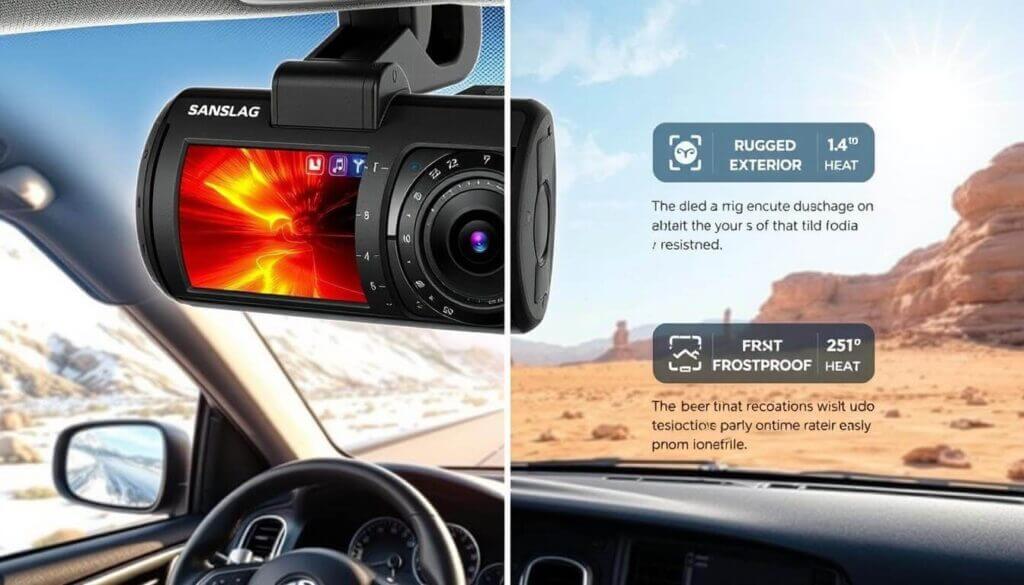
Dash cams must endure extreme temperatures to provide reliable performance, ensuring their functionality across various use cases, including harsh climates and challenging environments.
Models like the VIOFO A229 Plus Duo are equipped with heat dissipation technology, and many dash cams are designed to operate within temperature ranges from -20°C to 65°C (-4°F to 149°F), making them suitable for both hot and cold conditions. Supercapacitors instead of batteries improve longevity in temperature extremes and reduce risk of swelling or failure.
Models like the VIOFO A229 Plus Duo and Thinkware U3000 are designed to operate in both high heat and freezing conditions, making them suitable for drivers in diverse environments.
Frequently Asked Questions
What are the main use cases for a dash camera?
The main use cases include incident proof and insurance claims, fleet management and vehicle tracking, remote monitoring and parking security, accident prevention and driver behavior monitoring, data and storage management, journey or travel logs, and vlogging or content creation. Choosing a dash cam that matches your primary use case ensures you get the right channel count, connectivity, and features.
Do dash cams help with insurance claims?
Yes. Dash cam footage can serve as neutral accident evidence, helping establish fault and speed up claims. Many insurers offer discounts or streamlined processes when drivers submit video evidence. Timestamped and GPS-linked footage is especially useful in hit-and-run or multi-vehicle incidents.
What is parking mode on a dash cam?
Parking mode keeps the dash cam monitoring while the vehicle is off. It typically starts recording when motion or impact is detected (and sometimes uses a buffered pre-event). This helps capture theft, vandalism, or hit-and-run damage when the car is parked.
What is the difference between single-, dual-, and three-channel dash cams?
Single-channel records the front only. Dual-channel records front and rear. Three-channel adds an interior camera (cabin view). More channels give broader coverage and better evidence for fleets, rideshare, or comprehensive incident documentation.
Do I need GPS or Wi-Fi on my dash cam?
GPS adds location and speed to footage, which helps with insurance and fleet logs. Wi-Fi allows quick footage transfer to a phone and firmware updates. Both are recommended for serious use cases; Bluetooth is often used for app pairing and setup.
How is dash cam footage stored and backed up?
Footage is usually stored on a microSD or SD card with loop recording. High-endurance cards are recommended. Some dash cams support cloud or app backup over Wi-Fi or LTE so critical clips are saved even if the device or card is lost or damaged.
Can dash cams record at night?
Yes. Many dash cams include night vision or low-light features (e.g., Sony STARVIS sensors, HDR, or dedicated night modes). These improve clarity of license plates and scene detail in dim or dark conditions, which is important for 24/7 incident proof.
Are dash cams reliable in very hot or cold weather?
Quality dash cams are built for a wide operating range (often about -20°C to 65°C). Models with supercapacitors instead of batteries handle temperature extremes better. Heat dissipation and rated operating ranges are usually listed in the product specs for harsh environments.
How do fleet managers use dash cameras?
Fleet managers use dash cams for vehicle tracking, driver behavior monitoring, route and journey logs, and incident review. Video and telemetry support coaching, safety compliance, and insurance; some systems integrate with dispatch or ELD platforms for a single operations view.
Can I use a dash cam for vlogging or content creation?
Yes. Dash cams provide hands-free, continuous road footage at high resolution (including 4K and dual-channel). Wi-Fi and cloud backup make it easy to offload and edit clips for travel vlogs, car reviews, or driving content without holding a camera.
Final Security and Compliance Determinations
Dash cameras serve multiple use cases, including:
- Providing incident proof and accident evidence for insurance claims.
- Helping businesses manage their fleets more efficiently by monitoring driver behavior and tracking vehicle locations.
- Enhancing vehicle security through features like remote monitoring and parking mode.
- Creating engaging content for vloggers and content creators.
With features like parking mode, remote monitoring, night vision, and heat resistance, dash cams offer comprehensive solutions for improving vehicle security and enhancing driving safety.
By choosing the right dash cam tailored to your specific use case, you can enjoy increased peace of mind, better protection, and even reduced insurance costs.
Whether you’re an individual driver or a fleet manager, dash cams are an invaluable tool in promoting safety and accountability on the road.
